If you are considering mobile app development for your small business, start with something your customers or your team would like to do more easily. That could be placing a repeat order, checking the progress of a request or sending job details back to the office.
An app can be worth the investment when it makes a useful task easier and people have a reason to keep using it. The question is whether that improvement is valuable enough to justify building and looking after it.
Here is how to work that out before you spend money on a long list of features.
1. Start with a problem you can point to
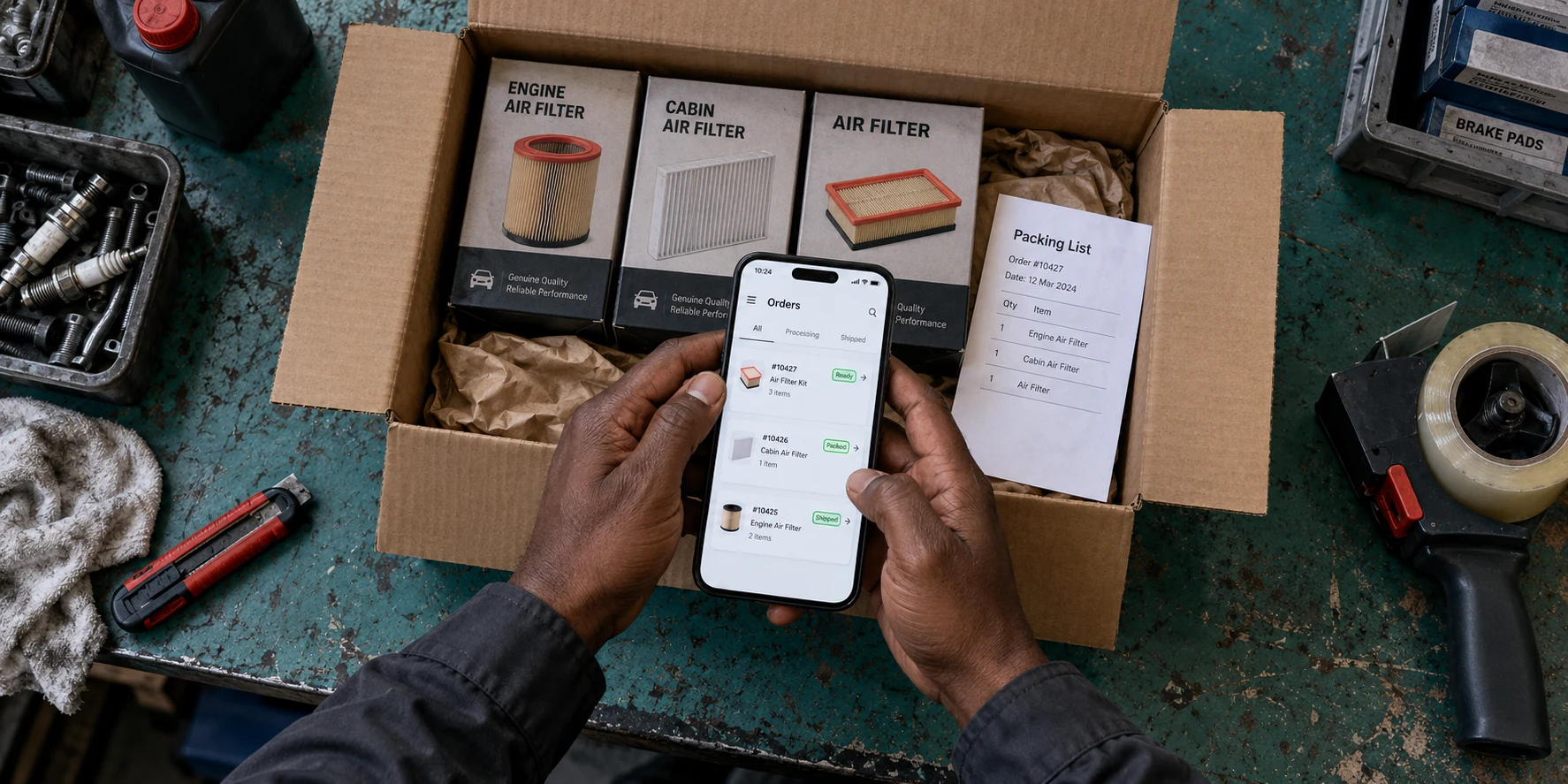
Think about a part of the business that causes the same frustration every week. Perhaps regular customers send product orders through messages, and someone has to copy each item into a spreadsheet. Details get missed, orders need checking and customers call to ask what is happening.
An app could let those customers choose their usual products, confirm the quantities and see when an order is ready. That gives you something specific to improve: less copying for your team and an easier way for customers to order again.
Before discussing screens or colours, look at how the task works today. How often does it happen? Who handles it? Where do mistakes or delays occur? Rough notes from an ordinary working week can help you decide how much improvement would matter.
2. Give people a reason to use it again
A customer needs a good reason to make space for your app on their phone. Having your logo on the screen is rarely enough.
A regular buyer might appreciate reordering from a saved list. A customer with an ongoing job might want to check its progress without making another call. A member of your team might need to add a photograph and job notes while they are out working.
Ask a few of the people you expect to use it how they handle the task now. Show them a simple sketch of your idea and ask what they would actually find helpful. Listen for a clear improvement, rather than a polite response that it looks nice.
Keep familiar contact options available too. Some customers will still prefer a call or a message, especially when they need advice. Your app should make dealing with you easier.
3. Would a website do the job?
If people mainly need to discover your services, see your work and contact you, a business website may cover what you need. They can open a link and get the information without installing anything.
If they need to complete a task, a web app is another option. This is a tool people use through their browser. For example, a customer could sign in on your website to view a quote or check an order.
A mobile app may make more sense when people return often, need to use the phone's camera as part of the job, or would benefit from useful updates on their phone. These are things to discuss around the actual task. A website can use some phone features too, so one feature alone should not decide the whole project.
For a new business still working out its first steps online, our guide to building an online presence for a start up business can help you decide what to put in place first.
4. Android, iPhone or both?
Choose around the people who will use the app. If your customers use a mixture of Android phones and iPhones, serving both may be important. An app used only by your staff might have a clearer starting point if everyone has the same type of work phone.
Ask your regular customers rather than guessing. Also think about the phones they keep for several years, not only the latest models.
Discuss testing as part of the build. People should be able to read the text, press the buttons and finish the main task on the phones you agree to support. The app should also explain what is happening if the connection drops or something needs correcting.
If you are unsure which route fits, contact BuildMyApp and describe what people need to do. We can help you compare the options and plan a suitable app for Android and iOS, the software used on iPhones.
5. Keep the first version focused
Your first version needs to do its main job well. Adding several extra ideas before anyone has tried it can make the project harder to finish and the app harder to understand.
For the repeat-order example, the first version might let a customer:
- Find the products they usually buy.
- Choose quantities and check the order.
- Send it and receive a clear confirmation.
- See its progress or contact the business for help.
Your team also needs a practical way to receive and manage those orders. A polished customer screen will not save much work if someone still has to copy everything by hand behind the scenes.
Walk through the idea on paper before building it. Then let a few intended users try an early version. Watch where they hesitate, what they miss and whether they can finish without a lesson. Fixing those problems is more useful than adding another feature.
6. Understand what you will pay for
The cost of mobile app development depends on what the app needs to do and what your business already has in place. An app that shows useful information is a different project from one that takes payments, checks stock levels and keeps customer records.
When comparing quotes, make sure they cover the same work. A lower price is difficult to judge if testing, publishing or the tools your staff need have been left out.
- The initial build: planning, screen design, development and testing.
- Connections to your existing tools: for example, sending orders to the system you already use.
- Getting the app into people's hands: app store accounts, the app's store page and help with the launch.
- Running the app: any online services, storage or paid tools it relies on.
- Keeping it working: fixing problems and making updates as phones and other services change.
Ask which amounts are paid once and which continue monthly or yearly. If the app takes payments, understand the charges for those payments as well. You do not need to know the technical details to ask for a clear breakdown.
Agree who will manage the accounts, update information and respond when something goes wrong. These are everyday responsibilities that need an owner once the app is in use.
7. Plan how people will start using it
Putting an app in a store does not explain its value to your customers. Introduce it where you already speak to them: during a call, in an order confirmation, on your website or through your business's social pages.
Lead with the useful part. “Order your usual supplies without typing the list again” gives a regular customer a clearer reason to try it than “Download our new app.” Make the first useful action easy to find.
Start with a manageable group and pay attention to what happens. Can people complete an order? Do they come back? Is your team spending less time correcting details? Downloads tell you someone tried the app; repeat use and completed tasks tell you more about whether it is helping.
Before requesting a quote, write one sentence explaining who the app is for and what it should make easier. Add a short description of how that task works today. That is enough to start a useful conversation about mobile app design and development without arriving with a technical plan.
HAVE AN APP IDEA?
Tell us what you would like to make easier.
Describe how the task works today and who would use the app. BuildMyApp can help you plan and build a practical app for Android and iPhone, with a clear starting point.
Talk through your app idea