
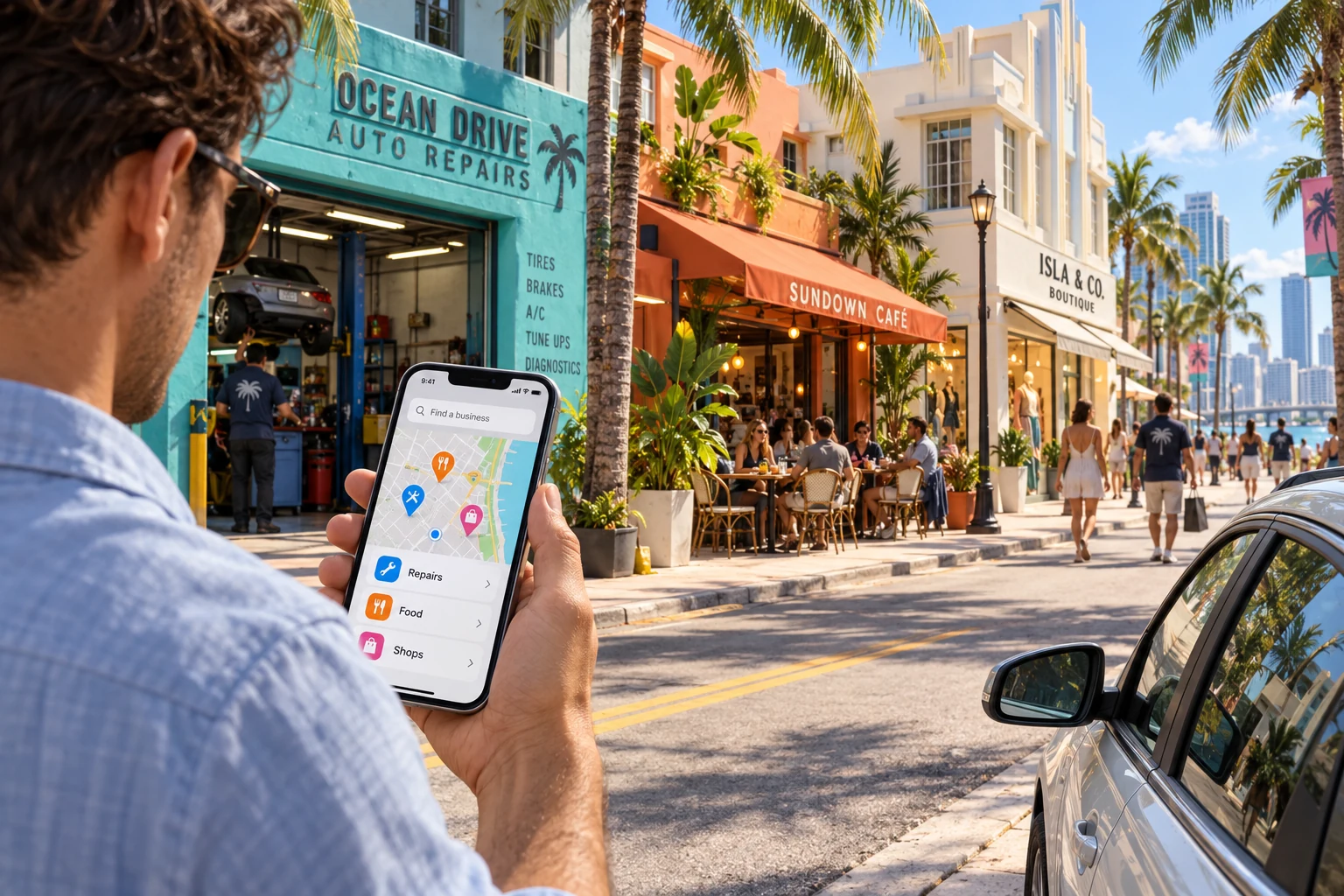
You have arrived in Vice City, your car is making an unpleasant noise, and the nearest garage could be around the corner or across town. Before your next adventure, you need something much less dramatic: a business you can actually contact.
Rockstar Games’ Grand Theft Auto VI provides the fictional setting for this idea. What if Vice City had a local business app that helped people find a garage, compare places to eat or discover a clothing shop?
This is an imagined app concept, not an official Rockstar product or a confirmed feature of the game. The businesses and situations below are made up to explore a practical question: how can a website or app help someone choose a business and get in touch?
A whole city, but where do you find what you need?
Picture the scene. Palm trees, colourful shopfronts and plenty of unfamiliar streets. You can see a garage sign in the distance, but it tells you very little. Do they handle the kind of problem your car has? Are they open? Is there a number to call before driving over?
Our imagined app would start with the task. Search for a service, choose an area and see a short list of relevant businesses. Each result would explain what the business does and offer a clear way to contact it.
You would not need to create an account just to read a phone number. Someone dealing with a noisy engine has enough to think about already.
A list of names alone would not be especially helpful. The useful part is having enough information to decide which business is worth calling.
Give each business a useful digital shopfront
Let’s invent a small garage called Palm Avenue Repairs. Its page would show the services it offers, a few photographs of its premises and clear opening hours. A customer could see where it is and whether it deals with the work they need.
The owner would have a simple way to update those details. If the garage changes its hours or stops offering a service, its page should change too.
Different businesses would need different information:
- A garage: the work it handles, its location, opening hours and contact number.
- A café: a readable menu, current prices and useful details about visiting or ordering.
- A clothing shop: photographs, available styles and a way to ask about sizes or stock.
The design could share a familiar layout while giving each business room to explain what matters. A clothing shop should not have to squeeze its information into a form designed for a mechanic.
The photographs would need to match the business being shown. Attractive pictures help someone look, but useful, accurate details help them decide.
Find the right place without searching everywhere
Back on the pavement, you might want to see garages in your part of the city rather than every garage on the list. A neighbourhood filter would narrow the choice. A map could show where the listed businesses are.
You could switch between the map and a simple list. Some people recognise a nearby landmark more easily than a street name. Others prefer scanning names and descriptions without moving around a map.
After finding a promising garage, you could save it for later. The same could work for a café you want to visit or a shop you passed while looking for something else.
The app would only show the information supplied for each listing. We would not label a garage “available now” just because its opening hours say it is open. A call would still be the sensible way to ask whether someone can help today.
If customers have to search through scattered posts to understand what your business offers, you can contact BuildMyApp about bringing that information together on a clear website or custom app.
Make the next step a phone call or message
You have found Palm Avenue Repairs and checked that it handles the kind of work you need. Now you want to speak to someone.
A clearly labelled call link could open the phone’s calling screen. A separate message link could open the messaging option the business actually uses. The customer would choose what to say and send it themselves.
For the garage, a message might explain the noise or include a photograph of a warning light. For the clothing shop, it could ask whether a particular item is available in the right size.
The aim is to make that first conversation easier. A useful page gives customers enough background to ask a specific question, and makes the correct contact details easy to find.
Some people will prefer email, so that could be available too. The important thing is to use clear labels such as “Call the garage” or “Message the shop”. People should know what happens when they press a link.
The same problem exists outside Vice City
The fictional city makes this an entertaining design exercise, but the customer’s problem is familiar. They need something, they are comparing businesses, and they want to know who can help.
A business owner may know their services inside out while their customers see only a name, an old social post and a phone number that is difficult to find. Clear information can remove some of that uncertainty before the first conversation.
You would not need to build a directory for an entire city to apply this idea. Your own business website could explain your services, show your work and help customers call or message you.
If the idea involves several businesses managing their own pages, a custom web app could give each owner a way to update their listing through a browser. A mobile app for Android and iOS could be considered if people have a good reason to return regularly.
The choice should follow the actual need. Someone looking for a mechanic once should be able to open a link and find useful information without being pushed to install an app first.
Start with the part customers need most
Our first version would focus on a small set of tasks: find a business, understand what it offers, see where it is and make contact. We would also give the business owner a straightforward way to keep those details current.
Before adding more, we would ask someone to use it. Could they find a garage in the right area? Could they tell what it does? Could they call without hunting through the page?
Those checks are useful for a real business website too. Open your own page on a phone and imagine being a customer who knows nothing about you. Look for the service, the area you cover and the next step.
If any of those take effort to find, that is a practical place to start improving. You do not need a city full of fictional adventures to give customers a clearer route to your business.
HELP CUSTOMERS FIND THEIR NEXT STEP
Make your business easier to understand and contact.
Tell us what customers need to find out before they call you. We can discuss a website or app that presents your business clearly and makes that conversation easier.
Discuss your website or app