You have an idea for an app, and someone suggests a native build. It sounds important, but what would it change for your customers, your budget or the way your business works?
Native app development means building specifically for a particular phone system, such as Android or iPhone. Whether that approach suits your business depends on what people need to do with the app.
You do not need to learn how to code to make a sensible decision. You need a clear explanation of the options and the work involved.
1. What does native actually mean?
In a mobile app project, a native build usually uses the tools made for Android or the tools made for Apple's iPhone software, called iOS. The screens and the parts that work with the phone are built for that system.
Another approach lets developers share much of the work between Android and iPhone. These apps can still be installed from app stores and use features such as the camera. Being available to download does not, by itself, tell you which approach was used.
For a business owner, the useful question is what the chosen approach will help your app do. Ask for an explanation that connects the build to the tasks your customers or staff need to complete.
2. What difference would your customers notice?
Most customers will never ask how your app was built. They will notice whether it opens promptly, feels straightforward and lets them finish what they came to do.
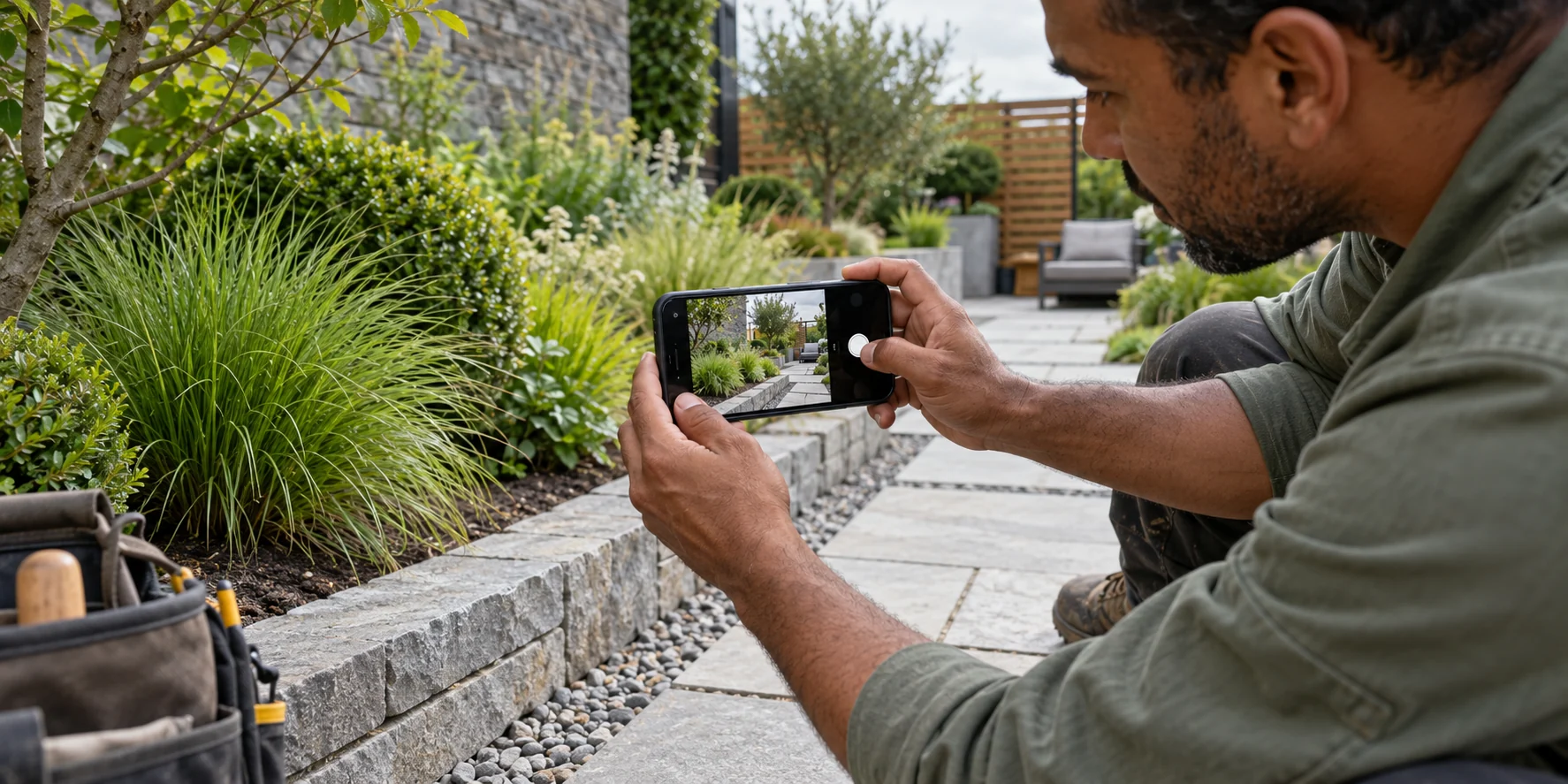
Someone adding photographs to a job record should be able to take a picture, check it and save it without getting lost between screens. If an upload is still running, the app should make that clear. If it fails, the person should know what to do next.
A native build gives the developer direct use of the phone system's own tools and controls. That can be useful when the way an app interacts with the phone is a major part of the job. An app built for both types of phone using shared tools can also feel smooth and familiar.
Ask to see the important task working on a real phone. A polished picture of a screen cannot show you how easy it is to use.
3. When might a business consider this approach?
Look at the parts of your app that go beyond displaying information. A landscaping team, for example, might photograph completed work and attach it to the right customer record. An equipment business might need its app to communicate with a particular device.
If those actions are central to the service, it is worth discussing how each build option would handle them. The decision should be based on the actual task, the phones involved and any equipment the app needs to work with.
Be precise about difficult situations too. If staff work where the signal is unreliable, describe what they must still be able to do. Saving a photograph for later and sending it once a connection returns needs to be planned. It does not happen automatically because an app is called native.
Camera access, location and working without a connection are also possible with other approaches. Their presence on a feature list is not enough to settle the choice.
If you have a task like this in mind, contact BuildMyApp and explain how it works today. We can help you work out what the app needs to do and discuss a practical way to build it.
4. What if you need both Android and iPhone?
With separate native versions, the parts written specifically for Android and iPhone need work of their own. Some things behind the scenes, such as the customer records both versions use, can still be shared.
That matters when you compare quotes. Check that the price covers the versions you need, the main tasks on both, testing and the work involved when you request a change.
For example, if you later add a new way to approve a quote, you will want to know how it will be added and checked on each type of phone. Ask about keeping both versions up to date after launch as well.
If an app is only for your own team and everyone has the same type of work phone, you may have a simpler starting point. For a customer app, find out which phones your customers use before leaving a group out.
5. Is native development always the best choice?
A native build can be a good fit, but the label alone does not tell you whether an app will be easy to use, reliable or worth its cost.
Sharing more of the build between Android and iPhone may suit a business whose main tasks work in a similar way on both. It can reduce repeated work, although the savings depend on the features and how much work each phone version still needs.
A browser-based web app may be another option when people need to use a business tool through a link. If they mainly need service information and a way to contact you, a website may be sufficient.
If you are still deciding whether to build an app at all, our article on whether a mobile app is worth the investment covers that earlier decision. Choosing how to build comes after understanding what the app should achieve.
6. What should you discuss before requesting a quote?
Describe the work in ordinary language. You do not need to arrive with a list of software tools or a technical plan.
A useful starting brief
Our team needs to photograph completed garden work, add a short note and send it to the office under the correct customer. Sometimes the signal is poor. We need to know the information has been saved and when it has been sent.
That example gives a developer something concrete to assess. Add who will use the app, which phones they have, what information it needs and which existing business tools it must work with.
Ask for a quote that explains the recommended approach, what is included, how the main task will be tested and what looking after the app will involve. If two proposals suggest different approaches, ask how each one would handle the same everyday task.
Before choosing native app development, make sure you understand how it fits your business's needs. A useful conversation about Android and iPhone app development should help you understand that fit before you commit to the build.
TELL US ABOUT YOUR IDEA
Start with what you need the app to do.
BuildMyApp designs and develops apps for Android and iPhone. Tell us who will use yours and what would make their day easier. We can help you plan a suitable next step.
Discuss your app idea