Native mobile app development means creating an app specifically for Android or for Apple's iPhone software, called iOS. For a business owner, the project is about making a useful service work well on the phones your customers or staff use.
That starts before anyone builds the screens. You need to know what a person should be able to do, how your business will handle it and what must be ready when the app launches.
Here is a practical way to plan that journey, using a small food business as an example. The same thinking can help with a customer app, a staff tool or another service people use on their phones.
1. Decide what a successful first visit looks like
Imagine a customer opening your app for the first time. What would make that visit useful?
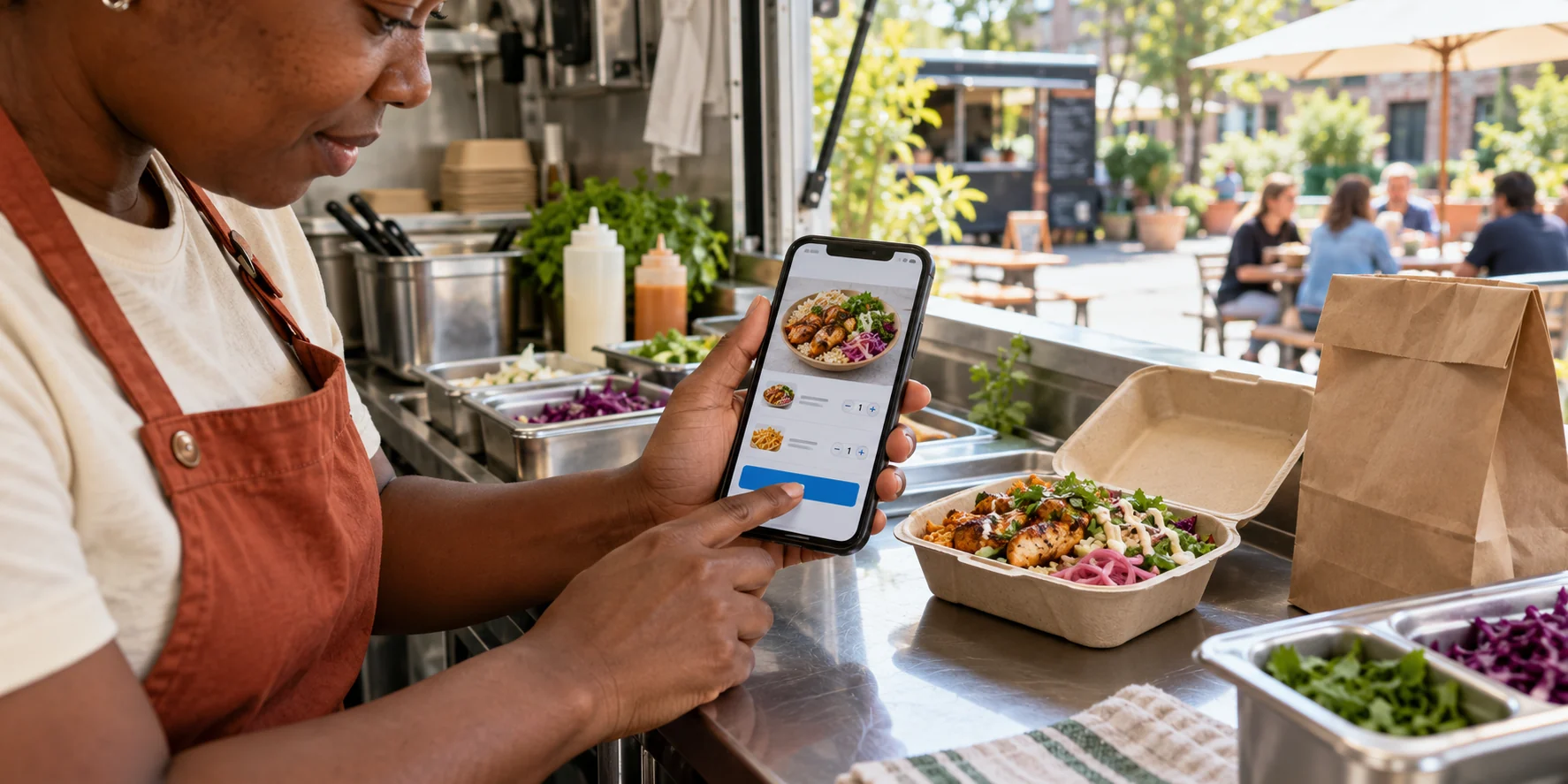
For a food business, it might be choosing lunch, seeing the full price and placing an order for collection. That is clearer than a broad aim such as getting more people to download the app.
Write down that one main task before adding extra ideas. Then think about what the customer needs to know along the way: which items are available, where to collect the order and how they will know it has been accepted.
If you are still comparing ways to build, our explanation of what native app development means for a business can help with that choice. The planning steps below help turn a chosen approach into a service people can use.
2. Plan what happens on both sides of the order
A customer pressing a button is only one part of the process. Someone in the business must receive the request and know what to do next.
Walk through an ordinary order from start to finish. The customer chooses a meal and confirms it. Your team sees the order, checks it and starts preparing it. The customer receives a useful update and knows where to collect it.
Now think about an awkward case. An item sells out, the business is unexpectedly closed or the customer needs help changing something. Agree how the app and your team should handle that situation.
This exercise often reveals work that a screen design alone would miss. It also helps you decide which information staff need and who will keep it current.
3. Agree on a first version you can run properly
The first version should complete the main task from beginning to end. A short feature list is useful only if it still gives the customer a complete experience.
For the food-order example, that could mean a current menu, clear item choices, an order review, confirmation and a way to ask for help. Your team needs a straightforward way to manage the incoming orders and change availability.
Ideas such as rewards, recommendations or several delivery areas can be considered separately. Decide which are essential at launch and which can wait until you have seen people use the app.
Include the daily work in your plan. Someone will need to update information, answer questions and deal with a problem during a busy period. Make sure those responsibilities fit the people and time you have.
If you know the result you want but are unsure what to include first, contact BuildMyApp and tell us how your business handles the task today. We can help turn that into a clear plan for your app.
4. Try the screens before the full build
Ask to walk through a sample of the main screens early. These can be simple designs that let you move from one step to the next, before every feature is working.
Follow the customer journey yourself. Can you tell where to start? Is the price easy to find? Does the confirmation explain what happens next? Check the staff's side too, including the information needed to prepare an order.
Let someone unfamiliar with the idea try it. Ask them to complete the task and watch where they hesitate. If they need you to explain the buttons, that is useful feedback to address while the design is still easy to adjust.
For Android and iPhone versions, review the important screens on both types of phone. Keep the service consistent while allowing the controls and behaviour to feel familiar on each.
5. Test the situations people will encounter
A useful test goes beyond the quickest route through the app. Try a small screen, larger text and a person who pauses halfway through the task.
For example, what happens when someone takes a call and returns to an unfinished order? Their choices should still make sense. What happens if the connection drops while they send it? The app needs to explain whether it was received and how to continue.
Work through the important checks with the developer:
- The text and main actions are readable on the phones you agree to support.
- Prices, quantities and order details stay correct as the customer makes changes.
- A repeated tap does not accidentally create duplicate requests.
- Missing information gets a clear message explaining what to correct.
- The customer and your team can recognise when a request has been accepted.
If payments are included, test what the customer sees when one succeeds, fails or is still being checked. Treat confirmation as part of the service rather than leaving people to guess.
6. Prepare for launch as part of the project
Agree who will prepare the app's store page, screenshots, description and support details. These should explain the service accurately and give someone a clear reason to try it.
App store submission and review are separate steps to plan after the build is ready. Avoid tying a customer announcement to an approval date that has not been confirmed.
Make sure you know how to update business information, get help with the app and arrange future changes. Keep the relevant business accounts and access details organised so everyday management is straightforward.
Introduce the app through the places customers already find you. Your website, social pages and customer conversations can explain what it makes easier and show where to get it.
7. Learn from a small launch
Begin with a manageable group so you can respond to questions and correct problems quickly. Tell them what the app is meant to help them do and make it easy to give feedback.
Look at completed tasks as well as downloads. Are customers getting through the first order? Where do they need help? Is your team receiving the details it needs? Those observations give you a useful basis for the next changes.
You can start a conversation about native mobile app development with a short description of your business, the people who will use the app and the task you want to improve. BuildMyApp can help with Android and iPhone app design and development, from working through the idea to building a practical first version.
LET’S PLAN YOUR APP
Tell us what your customers should be able to do.
Explain the service you have in mind and how it works today. BuildMyApp can help you plan, design and develop an app for Android and iPhone around that task.
Discuss your app with us